Phone Won’t Charge? 5 Quick Fixes to Try Before Panicking (Save Time & Money!)
“That sinking feeling when you plug in your phone… and nothing happens. No charging icon, no vibration, just a blank screen mocking your dwindling battery life. Before you assume the worst (or rush out for a costly repair/replacement), take a deep breath! Many charging problems have surprisingly simple solutions you can try right now. This guide walks you through the 5 most effective quick fixes for a phone that won’t charge. Give these a shot – you might just save yourself a trip and some cash!”
The Cable & Charger Shuffle: Check Your Gear (The #1 Culprit!)
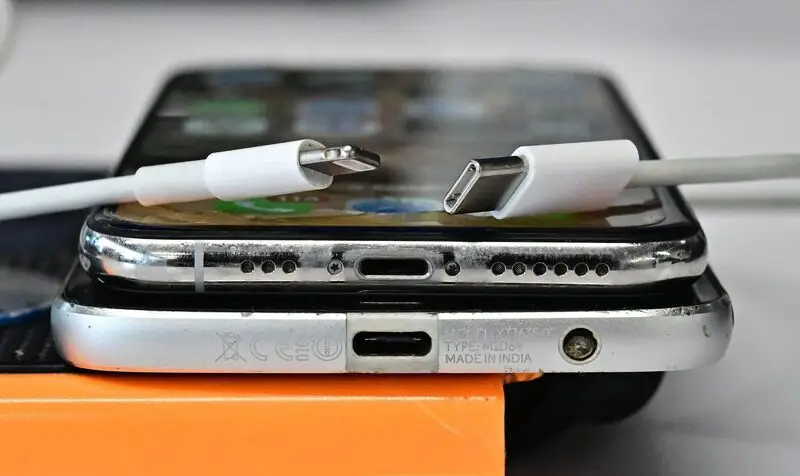
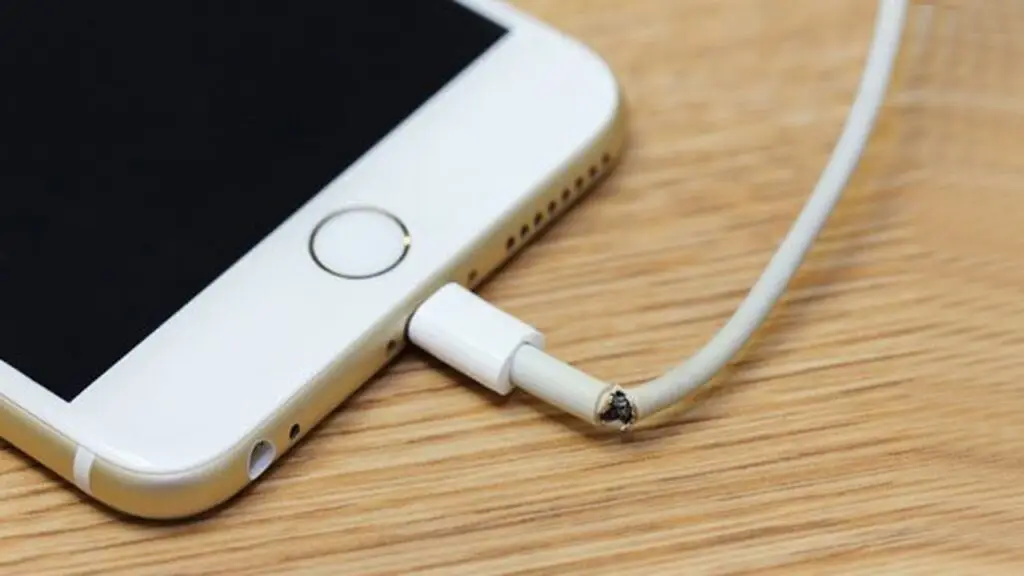
- Action: Try a different charging cable. Then, try a different power adapter (brick). Finally, try plugging into a different wall outlet or USB port.
- Why it Works: Cables fray internally, adapters fail, and outlets/USB ports can be dead. Isolating the faulty component is step one.
- Pro Tip: Visually inspect the cable ends for bent pins, debris, or damage. Wiggle the cable gently near the ends while plugged in – does the charging flicker? Likely cable damage.
Port Patrol: Clean Out the Gunk (You’d Be Surprised!)
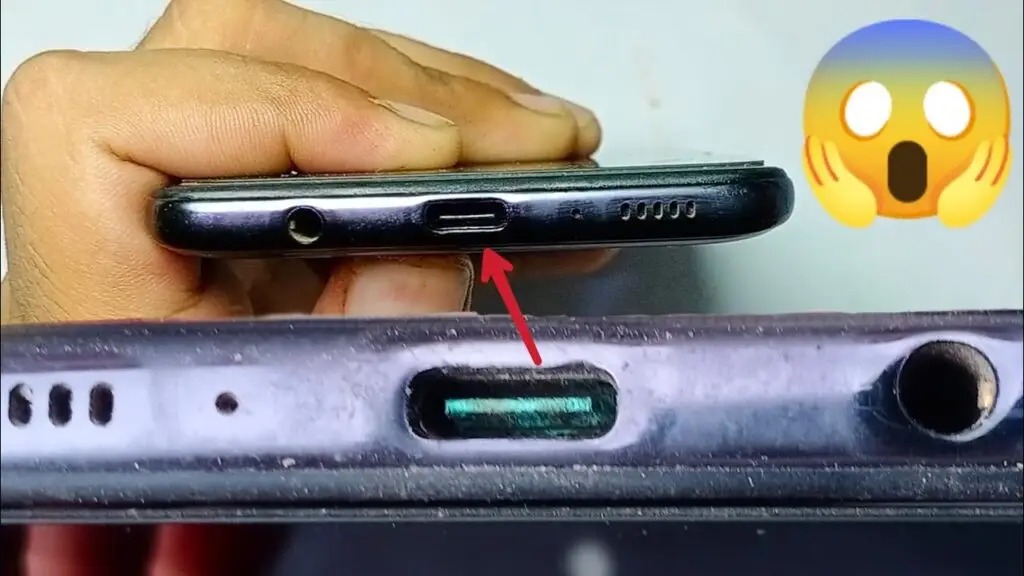
- Action: Power off your phone. Use a bright light to look into the charging port. See lint, dust, or pocket debris? Gently use a non-metallic tool (like a plastic toothpick, SIM ejector tool, or specialized brush) to carefully dislodge debris. Avoid metal! Blow compressed air (short bursts) into the port.
- Why it Works: Compacted lint physically blocks the charger from connecting properly. This is incredibly common.
- Pro Tip: Be VERY gentle. Forcing anything can damage the delicate pins inside the port. If it’s packed tight or you’re unsure, bring it to us – we have specialized tools to clean ports safely.
The Power Cycle Combo: Restart & Re-seat
- Action:
- Restart Your Phone: A simple reboot can clear temporary software glitches messing with charging detection.
- Re-seat the Cable: Unplug the cable from both the phone and the adapter/wall. Wait 10 seconds. Firmly plug it back into the adapter/wall, then firmly into the phone.
- Why it Works: Software hiccups happen. Re-seating ensures a fresh physical connection.
- Pro Tip: Try a different cable/adapter after restarting, just in case the restart fixed a detection issue
- Check the Environment: Too Hot, Too Cold, Too Wet?
- Action: Is your phone extremely hot (from gaming/sun) or cold? Move it to room temperature. Was it recently exposed to moisture (even humidity/sweat)? Dry it thoroughly with a lint-free cloth and leave it unplugged in a dry place for several hours. Try charging again later.
- Why it Works: Extreme temps and moisture trigger safety mechanisms that disable charging to protect the battery and circuitry.
- Pro Tip: Avoid charging a hot phone. If you suspect liquid damage, do not try charging it repeatedly – this can cause corrosion. Bring it in ASAP for professional assessment.
- Rule Out Software & Settings (Less Common, But Possible)
- Action (Android): Check for system updates. Try charging in Safe Mode (prevents 3rd party apps from interfering – search “[Your Phone Model] Safe Mode”).
- Action (iPhone): Check for iOS updates. Check Settings > Battery > Battery Health. If significantly degraded, it might affect charging behavior (though usually not a total stop).
- Why it Works: Buggy software updates or rogue apps can sometimes interfere. Battery health info provides clues.
- Pro Tip: If it charges in Safe Mode (Android), a recently installed app is likely the culprit. Uninstall suspect apps.
When the Quick Fixes Aren’t Enough
“Tried all these steps and still staring at a lifeless phone? Don’t despair! It likely points to a hardware issue we can diagnose and fix. Common culprits include:
- Damaged Charging Port: From physical impact or repeated strain.
- Faulty Battery: Reaching the end of its lifespan or failing.
- Internal Circuitry Problems: Like a failed charging IC chip.
- Liquid Damage: Corrosion affecting connections (even if it seemed dry).
🛠️ Bring it to Wozafix ! Our expert technicians have the tools and experience to:
- Accurately Diagnose the root cause.
- Perform High-Quality Repairs using reliable parts.
- Safely Recover Your Data if needed before any repair.
- Get You Back Up and Running Quickly, saving you the cost of a new phone.
👉 Stop the panic! Get a FREE diagnostic assessment today.Contac